
Image Generation
An image provider lets the chat and your assistants create pictures and, with a compatible model, edit existing ones. The default provider for the current scope supplies both tools.
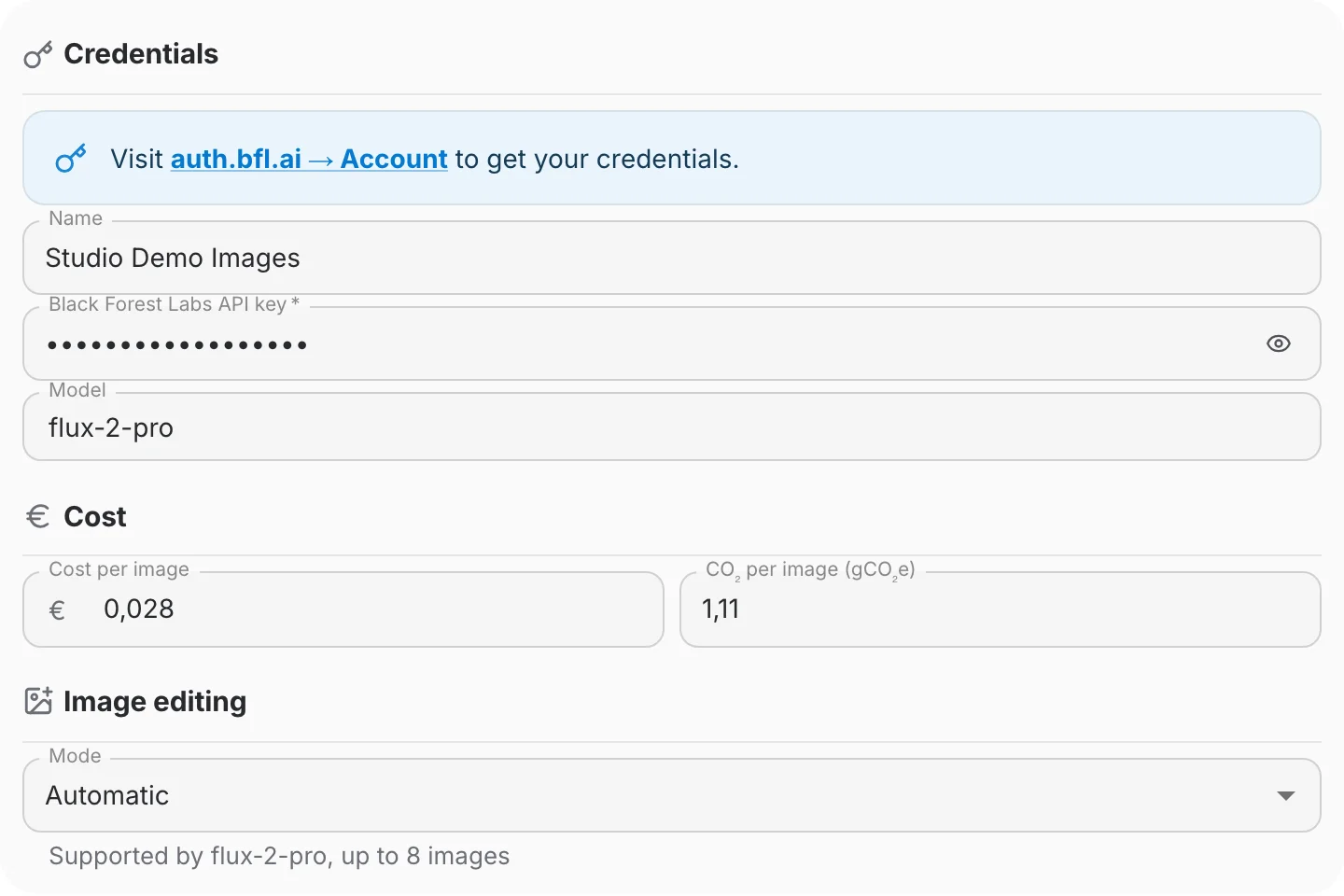
Choosing a model
Open Model to choose a suggestion or type a model name. Known suggestions show Image Generation and, where supported, Image editing. An unlabelled model has no known capability information; a missing label is not proof that it cannot edit.
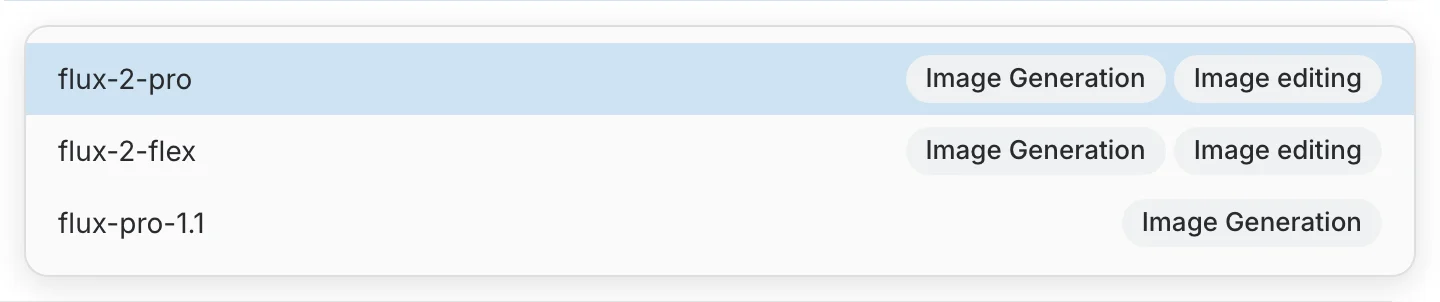
A provider with no model configured uses its advertised default. Selecting a known suggestion can fill the suggested cost and carbon estimate; you can change those values. Typing a model name leaves your cost values unchanged.
Configuring image editing
For Black Forest Labs and OpenAI, open the provider configuration and use the Image editing section. Azure OpenAI and Vertex AI do not currently have an editing integration in QAnswer, so this section is hidden for them.
- Automatic uses the selected model’s preset. The helper text shows whether editing is supported and its input-image limit. Unknown models resolve to editing off in Automatic mode.
- On lets you set Max images per edit from 1 to 32. Use it for a custom model only after confirming that the provider supports editing. This setting does not add capabilities to the provider’s API or raise the provider’s own limit.
- Off disables image editing for this provider. Image generation remains available.
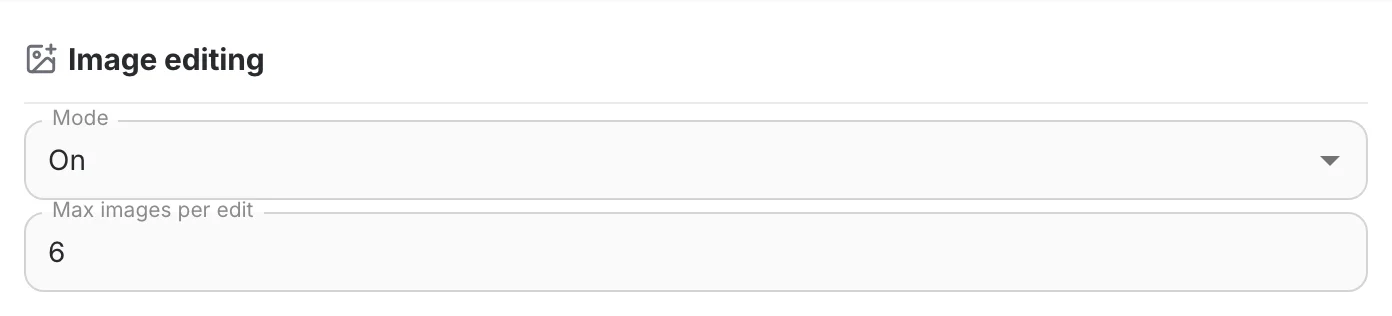
Screenshots use fictional demo values. They show the QAnswer form, not current provider prices or account credentials.
Save the configuration. The provider card shows Edits images when its effective editing limit is above zero. Import and export preserve the editing setting.
Learn how to edit images in the chat
Available providers
 Black Forest Labs (Flux) — EU-hosted and GDPR-compliant, generates with Flux models. Recommended. auth.bfl.ai
 OpenAI — Generates images with the configured OpenAI image model through the OpenAI API. platform.openai.com
 Azure OpenAI — Generates with DALL·E deployed in your own Microsoft Azure OpenAI subscription.
 Google Vertex AI — Generates with Google Imagen through Vertex AI.